How to Fill the UPSC DAF: A Practical Guide
The Detailed Application Form, commonly called the DAF, is an important part of the UPSC Civil Services Examination.
It records information about your identity, education, background, eligibility and preferences. It also creates a useful starting point for understanding the personal experiences and choices that may be discussed during the Personality Test.
For candidates searching for a DAF-II filling guide, one distinction is especially important: the application system and terminology have changed.
The Civil Services Examination 2026 notification uses the Universal Registration Profile, Common Application Form and examination-specific application module. It also provides defined opportunities to update and reconfirm information after the Preliminary and Main Examination results.
This guide explains the process, the information you should review and how to prepare your application without unnecessary confusion.
What is the UPSC DAF?
DAF stands for Detailed Application Form.
In earlier examination cycles, candidates commonly encountered the terms DAF-I and DAF-II at different stages.
For CSE 2026, the official notice describes a revised online application system with four components:
- Account creation.
- Universal Registration.
- Common Application Form (CAF).
- Examination-specific application module.
The first three components are common across UPSC examination applications. The examination-specific module is completed during the period notified for the relevant examination.
Universal Registration generates a Universal Registration Number, while each examination application receives its own Application Number.
These identifiers serve different purposes and should be retained carefully.
Important: If you are searching for “UPSC DAF-II 2026”, read the current notification rather than relying on the workflow used in earlier years. The familiar search term does not necessarily describe the current portal’s structure.
Source: UPSC CSE 2026 Notification, Important Information and Section 2.
When can candidates update their UPSC application?
The 2026 notification provides separate update windows following the Preliminary and Main Examination results.
After the Preliminary Examination
Candidates qualified for the Main Examination are provided a 10-day window to log in, update or reconfirm the required details and submit their application.
The notification states that completion is necessary to enable generation of the Main Examination e-Admit Card.
After the Main Examination
Candidates qualified for the Personality Test are provided a 15-day window after declaration of the written Main Examination result.
Candidates must complete the requisite updates and submission requirements.
These include, as applicable, educational qualification status, proof of passing the qualifying examination, addresses, higher education, achievements, employment details and other specified fields.
Importantly, candidates who have no new information to enter are still required to log in, verify their details and finally submit the application.
Failure to satisfy the mandatory educational qualification documentation requirement can result in cancellation of candidature and non-issuance of the e-summon letter.
The exact operational dates and portal instructions must be checked when UPSC publishes the relevant notice for your cycle.

How to fill or update your UPSC DAF carefully
Step 1: Read the notification for your year
Start with the official examination notice, not an old screenshot or an unofficial form-filling tutorial.
Identify the relevant application stage, submission period, required documents and applicable conditions.
Use the current UPSC online application portal.
Step 2: Gather accurate personal and educational records
Prepare the details and supporting documents relevant to your application.
These may include educational certificates, identity details, addresses, employment records, achievements and category-related documents where applicable.
Check names, dates, institutional details and document consistency.
If a requirement is unclear, consult UPSC’s official instructions or clarification channels rather than guessing.
Step 3: Review every applicable field
Read each entry as both an administrative declaration and part of your personal record.
Pay particular attention to:
- Educational qualification and current status.
- Higher educational qualifications.
- Employment and service experience.
- Achievements and activities.
- Correspondence and permanent addresses.
- Previous examination and service details, where applicable.
Do not claim an achievement or qualification that cannot be supported accurately.
Step 4: Examine service preferences thoughtfully
The CSE 2026 notification requires candidates to indicate their order of preference for participating services in which they are genuinely interested.
Service preferences can have significant consequences for eventual allocation.
Understand the nature of each service and consider your preferences carefully. Do not arrange them merely because of somebody else’s ranking.
For IAS and IPS home-cadre preferences, the 2026 notification provides that candidates indicate them as and when asked for by the Commission, in the manner it prescribes.
Follow the specific instructions applicable to your case.
Step 5: Review before final submission
The notification restricts changes after submission, subject to expressly provided update opportunities.
Before submitting, check each applicable field, uploaded document and declaration.
Do not treat a saved draft as proof of final submission.
If the portal offers a preview or confirmation, examine it carefully and retain the available record.
Step 6: Complete the required final submission
For the post-Mains stage, one provision is particularly significant.
Even candidates who entered the required information earlier, and have nothing to update, must log in, verify and finally submit.
This step is connected to generation of the Personality Test e-summon letter.
Complete the required process within the official window and continue checking UPSC communications for subsequent instructions.
How your DAF becomes interview preparation
Once the administrative work is complete, keep a personal reference copy of the submitted information.
Now examine it from a different perspective.
A graduation subject may lead you to revisit an important idea from your discipline.
A previous job may help you reflect on teamwork, responsibility and decision-making.
An achievement may invite you to consider the effort behind it, including what you learnt.
A gap in education or employment may be part of your life story, without requiring an artificial explanation.
For each entry, create a small reflection sheet containing:
The fact: What exactly have I declared?
The experience: What did I do, observe or learn?
The connection: What wider academic, social or public-service question could arise from this topic?
The uncertainty: What do I need to understand more clearly?
This transforms your application into a preparation resource without turning your life into a rehearsed script.
Common mistakes to avoid
Do not rely on an outdated DAF-II deadline or assume the previous year’s procedure still applies.
Do not postpone checking documents until the submission window is nearly over.
Avoid vague or exaggerated achievement descriptions.
Do not confuse updating information with completing final submission.
And do not make personal declarations or service choices merely to sound impressive in an interview.
Accuracy in an application is more important than presentation.
Take your DAF preparation further
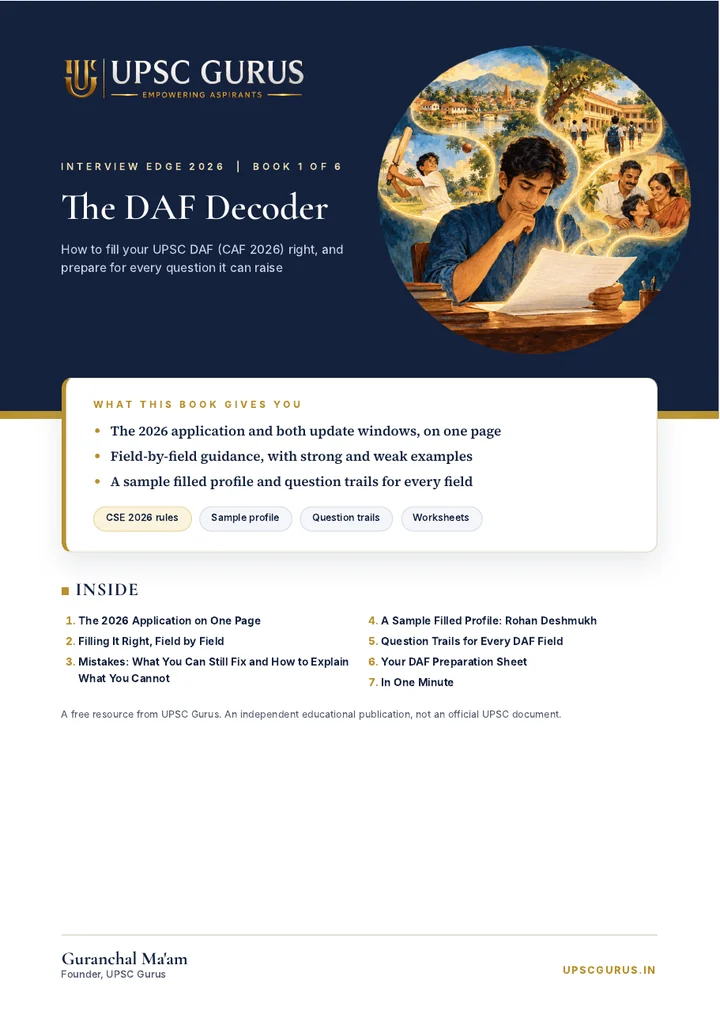
The DAF Decoder, a free 50-page Interview Edge book, takes this further.
It guides you through your education, work, interests, decisions and experiences, helping you build thoughtful question trails and an evidence bank drawn from your actual life.
The objective is not to create idealised answers. It is to help you understand what you have written and what it means to you.
Go beyond filling instructions. Understand the CSE 2026 application, work through real examples and prepare the questions your profile can invite.
Download The DAF DecoderSee all six books →Frequently asked questions
What is the difference between DAF-I and DAF-II in UPSC?
These terms were commonly used for application stages in earlier examination cycles. CSE 2026 uses a Common Application Form and examination-specific module with subsequent update windows. Always follow the terminology and procedure in your year’s notification.
Is the post-Mains UPSC application update mandatory?
For CSE 2026, yes. Candidates qualified for the Personality Test must complete the applicable requirements and final submission, including those with nothing new to update.
How many days are provided after the UPSC Mains result?
The CSE 2026 notification provides a 15-day post-Mains update window for candidates qualified for the Personality Test. Check the notification and subsequent notices for your examination year.
Can I edit my UPSC application after final submission?
The 2026 notification restricts changes after submission except through expressly permitted provisions. Treat final submission seriously and do not assume that corrections will be available.
Does the UPSC board ask questions only from the DAF?
No such restriction is stated in the official Personality Test description. The board has the candidate’s career record and may ask questions on matters of general interest. Your application is a useful preparation starting point, not an exhaustive question list.
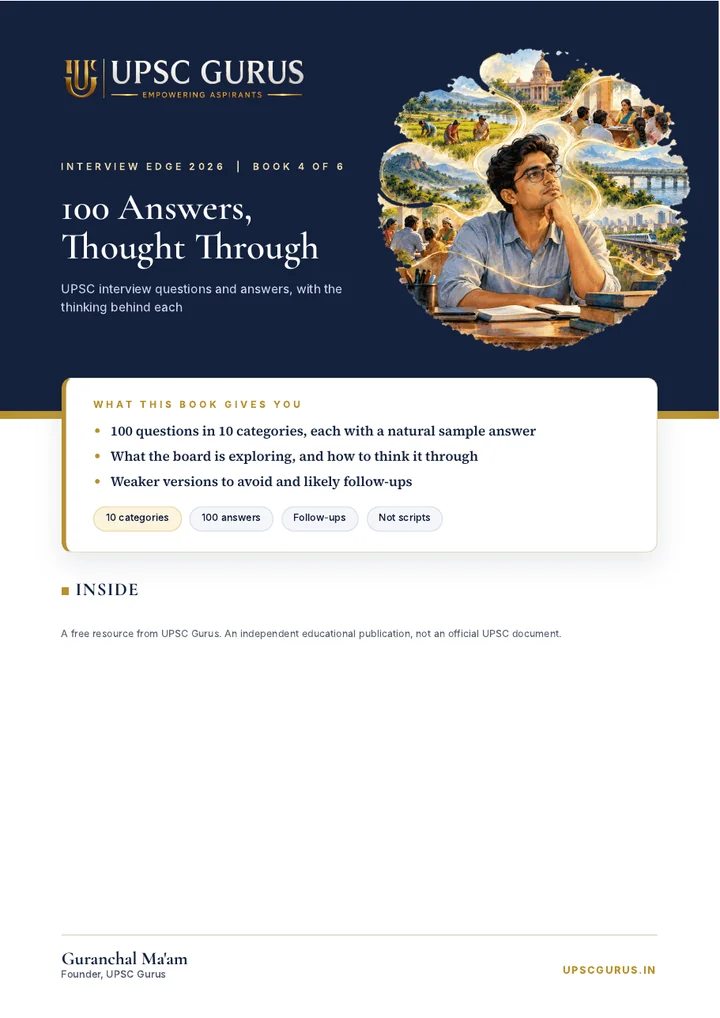
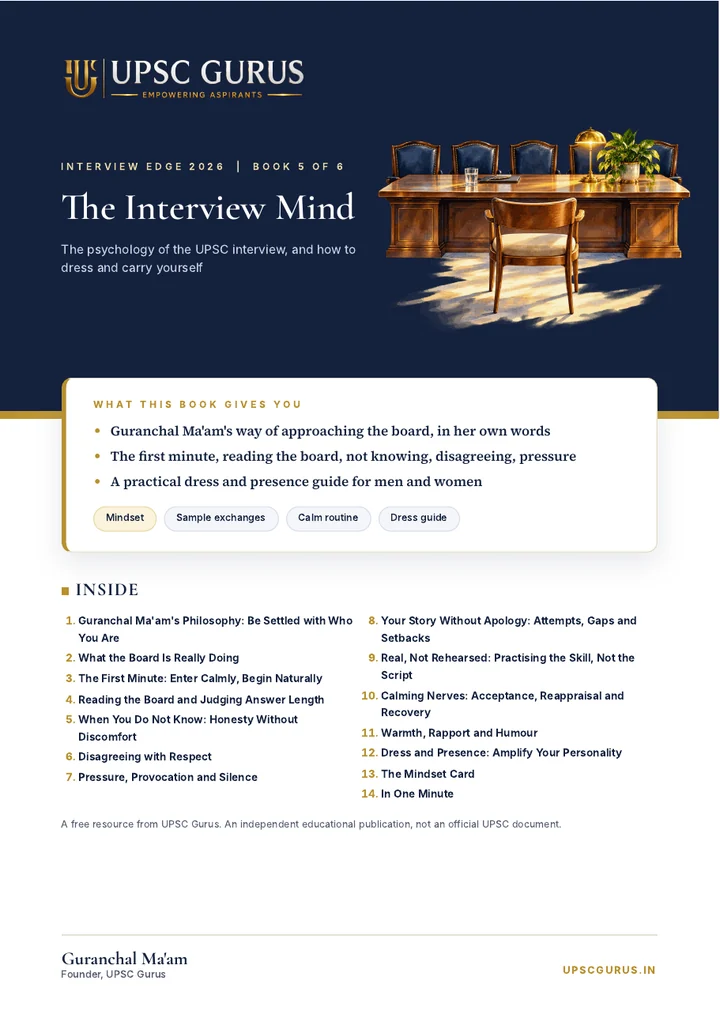
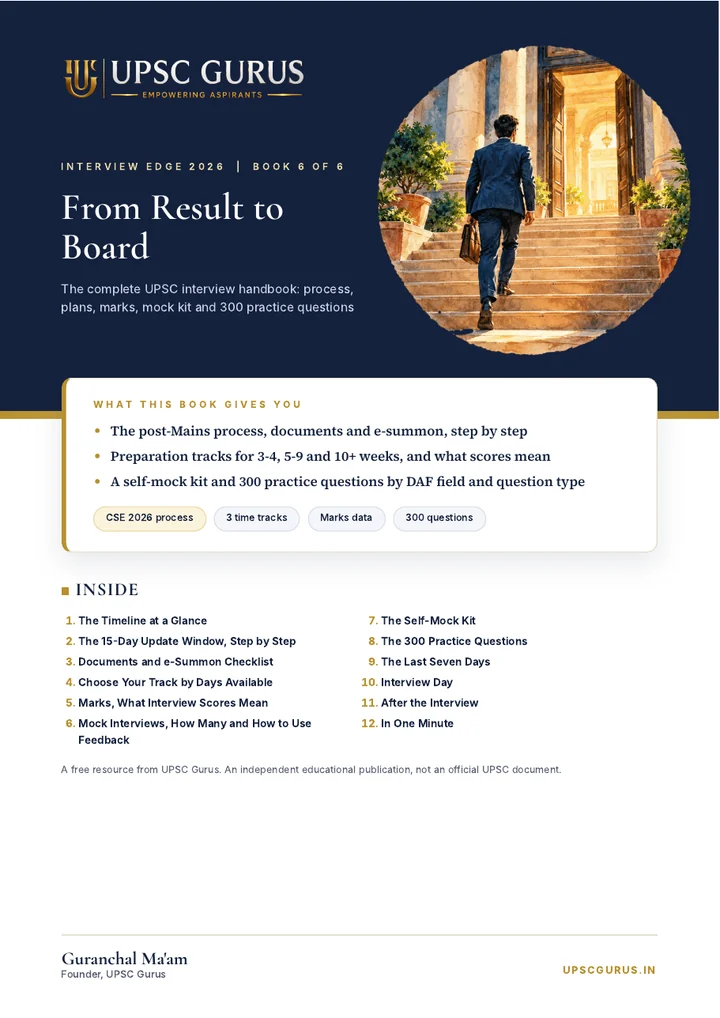
Six free UPSC interview books. 336 pages, nothing repeated.
336 pages of thoughtful guidance, worked examples and practical tools. Everything you need to prepare with clarity, think independently and speak in your own voice. By Guranchal Ma’am, Founder, UPSC Gurus.
Interview Edge Studio
Practise from your own profile: a field-by-field DAF check, 100 questions drawn from your details, feedback on answers you write in your own words, and situation practice from your home state. Built on the method of Guranchal Ma’am, Founder, UPSC Gurus.